Book Structure
Each Modonomicon book consists of categories, entries, pages, and optional commands. Entries are grouped into categories, which are grouped into the book itself.
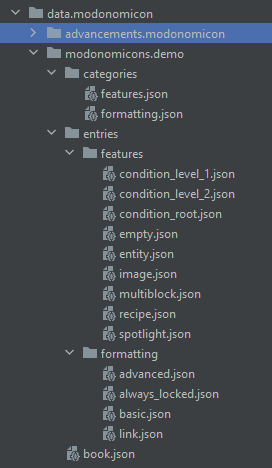
The file structure looks as follows:
- Hierarchy
- Example Screenshot
data/<mod_id>/modonomicon/books/<book_id>/book.jsontheme.jsoncategories/<category_id1>.json<category_id2>.json- ...
entries/<category_id1>/<entry_id1>.json<entry_id2>.json- ...
<category_id2>/<entry_id3>.json<entry_id4>.json- ...
commands/<command_id1>.json<command_id2>.json- ...
A book with the book id demo and the mod id modonomicon would look like this:
Book.json
book.json contains the general book settings and non-visual behavior.
See Book.json for details.
Theme.json
theme.json contains the book appearance: theme id, theme type, layout offsets, palette values, and themed sprite lookup.
If it is omitted, the default Modonomicon theme is used.
See Theme.json for details.
Categories
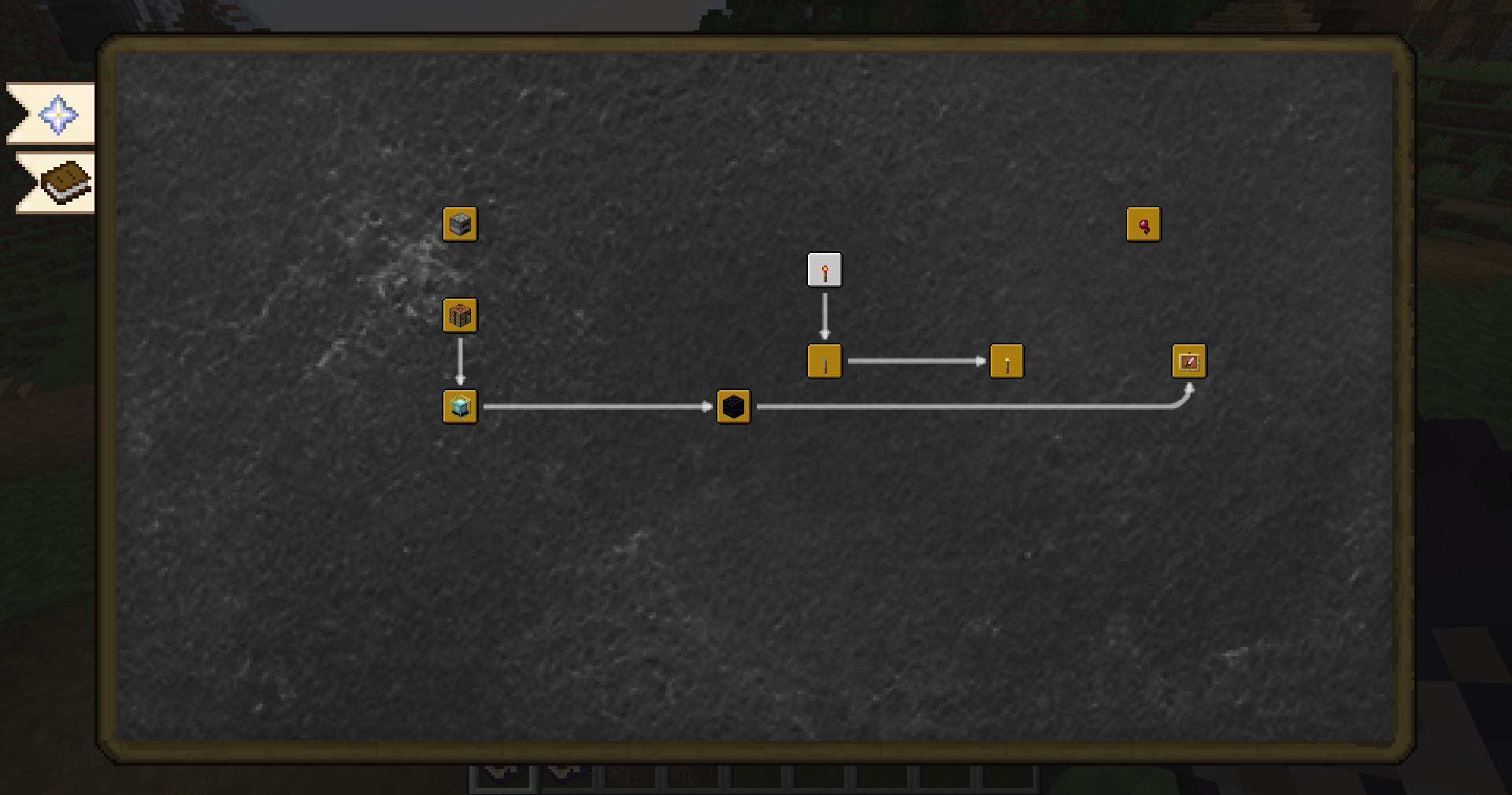
Categories are a quest / advancement style 2D view. A book consists of one or more categories, and each category can contain multiple linked entries. See Categories for details.
Entries

Each entry belongs to one category and consists of multiple pages. See Entries for details.
Commands
Commands are optional book-level actions that can be referenced from entry content. See Commands for details.
Pages
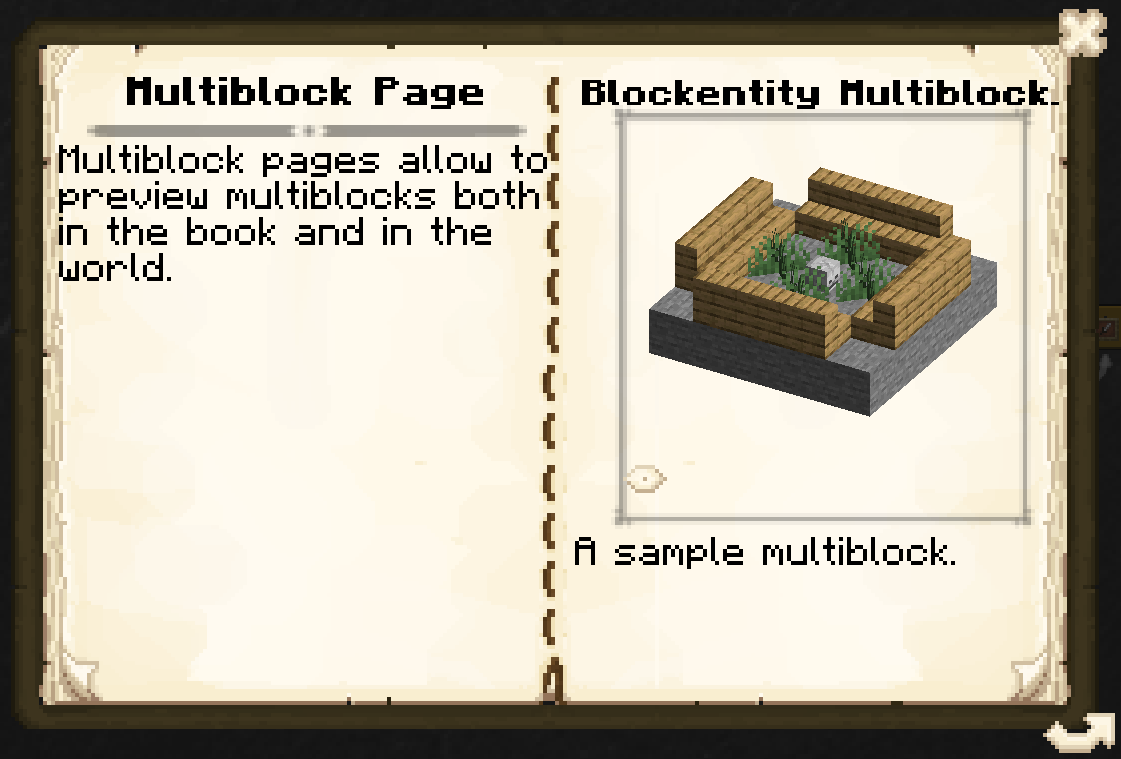
Pages are placed inside entries and represent the actual content of the book. They can display text, images, recipes, items, and more. See Page Types for details.